IPTV on MAG Box:
Fast & Reliable
Stalker Portal Setup
Setting up IPTV on MAG Box is incredibly straightforward because every MAG device includes a native Stalker Middleware portal. No need for third-party apps or complex configuration, once you enter the portal URL we provide, your NZ IPTV subscription authenticates automatically via your MAC address. Experience buffer‑free streaming, electronic program guides, and instant channel zapping.
MAG boxes are engineered for IPTV enthusiasts who value stability and simplicity. With a dedicated portal system and hardware decoding, IPTV on MAG Box outperforms generic Android boxes in terms of boot speed and reliability. You'll get seamless access to live sports, news, movies, and series, all managed through a clean TV interface.

The built-in middleware client. Just navigate to Settings → Servers → Portals and input the URL provided by NZ IPTV. No installation, no sideloading.
We link your subscription to your MAG's unique MAC address. Once registered, your device is automatically recognized, no username/password prompts.
STEP___1IPTV on MAG Box Hardware & Network Prep
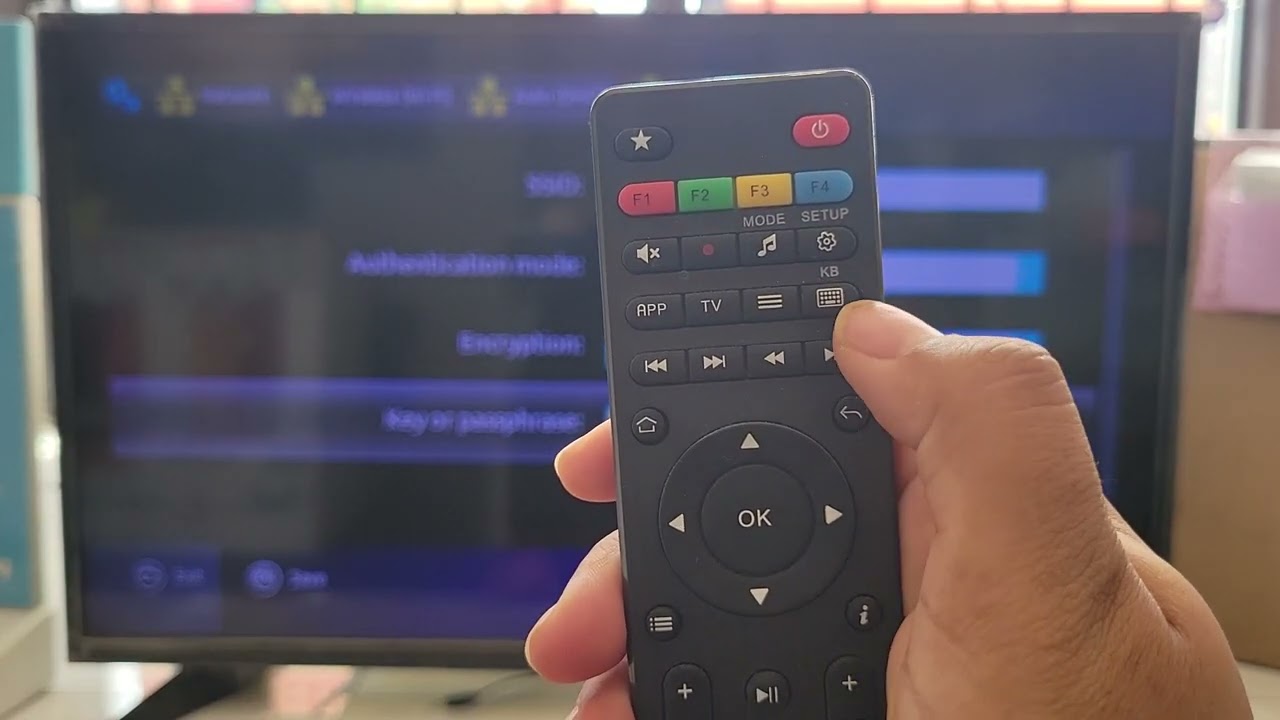
Video Walkthrough: How to Set Up any MAG Box? MAG 254, MAG 322w1, MAG 424w3, MAG 420w1
Use the included HDMI cable to connect your MAG box to any modern TV. Plug in the power adapter and turn on the device using the remote or rear button.
For optimal streaming quality, connect an Ethernet cable directly to your router. To use Wi-Fi, go to Settings → System settings → Network → Wireless (Wi-Fi) → Auto (DHCP) and select your network. We recommend at least 20 Mbps for HD/4K IPTV.
Every MAG box has a unique identifier. Check the sticker on the bottom of the device or navigate to Settings → System settings → Device info. The MAC address follows the format 00:1A:2B:3C:4D:5E. Provide this MAC to NZ IPTV support — our team will activate your portal access instantly and send you the portal link.
Find your physical MAC address on the bottom label. Once you share it with us, we'll register it on our Stalker server, and your IPTV on MAG Box experience becomes plug-and-play.
STEP___2IPTV on MAG Box Enter Portal URL
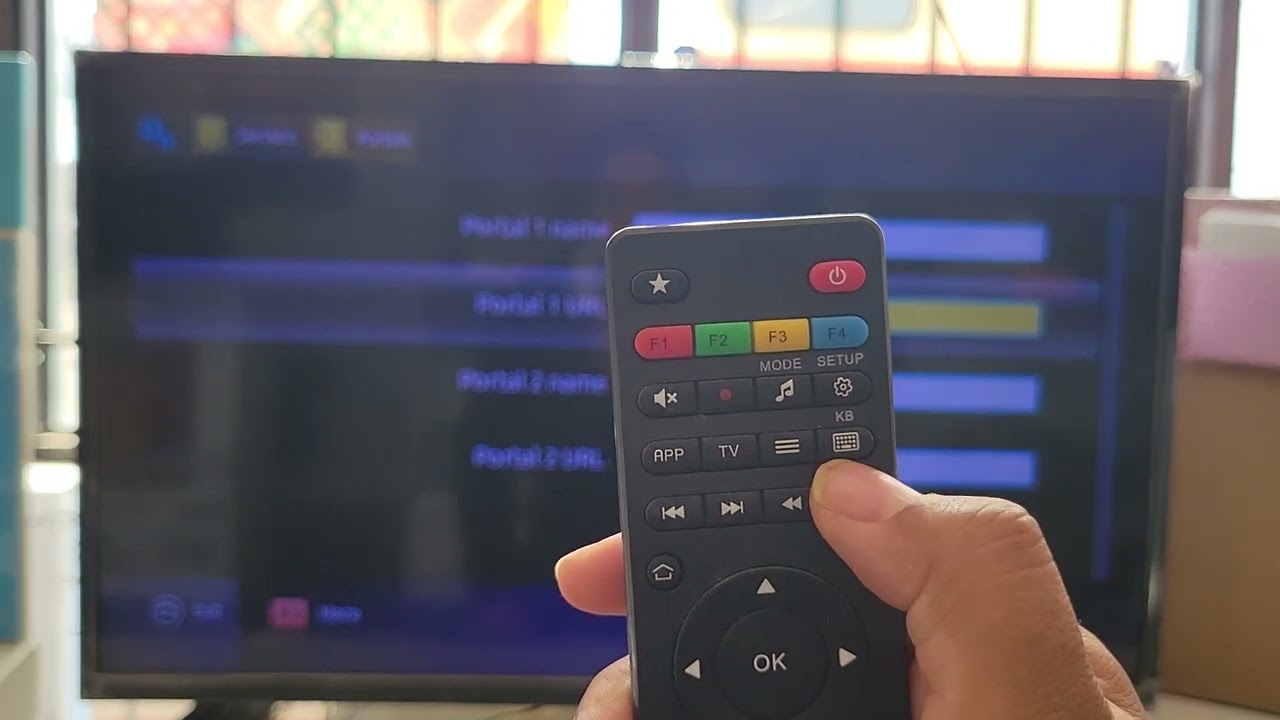
Video Walkthrough: See exactly how to add or edit the portal URL on your MAG box — including navigation to System Settings & Servers.
From the main screen, press SETTINGS on your remote → then go to Servers → Portals.
Input the following data:
- •Portal 1 Name — e.g., NZ IPTV Premium (any descriptive name)
- •Portal 1 URL — the unique link sent by NZ IPTV (example:
http://portal.nz-iptv.com/stalker/c)
http:// (not https://) and end with /c. Avoid extra spaces.Press OK after each entry, then select Save before exiting the portal menu.
STEP___3IPTV on MAG Box Restart & Load Portal
Press the HOME button on your MAG remote to return to the main launcher screen.
Go to Settings → System → Restart Portal (or simply power cycle the MAG box by unplugging for 10 seconds). This forces the device to load the new portal configuration.
After restart, the MAG box will connect to our Stalker server. Your channels, EPG, and VOD library will populate automatically — no manual login required. If the portal doesn't load, verify your internet connection and ensure your MAC address is activated with NZ IPTV.
STEP___4IPTV on MAG Box Enjoy Premium Content
The MAG reads your MAC address and matches it with the NZ IPTV server. Within seconds, the portal interface appears with your subscribed channel lineup.
Use the remote to browse live TV categories, catch-up shows, and the extensive movie/series library. Enjoy rock‑solid playback with hardware acceleration.
⚡ Crucial Reminders for IPTV on MAG Box
Use the exact portal URL provided by NZ IPTV. Unofficial or mismatched URLs can lead to authentication errors. For a flawless IPTV on MAG Box experience, rely only on the portal link and MAC registration we supply.
- We deliver the official portal URL with your active subscription — no third-party websites required.
- MAG devices authenticate solely via MAC address; after you share it with us, the server links your account directly.
- If channels don't appear, confirm the portal URL uses
http://(neverhttps://) and that your MAG firmware is up‑to‑date. - Having issues? Contact NZ IPTV support — we verify MAC activation and can resend your portal link instantly.
Official Portal. Zero Compromise.
By configuring IPTV on MAG Box with our private portal URL, you eliminate buffering, geo-blocking worries, and security risks that come with free lists. Your MAC is whitelisted on our enterprise-grade Stalker middleware, giving you premium reliability.
NZ IPTV streamlines the whole process: we register your device, you input one link — no terminal commands, no complex APKs. Get ready for 4K streams, 24/7 support, and instant EPG updates.