IPTV Explained:
Every Question Answered
for Kiwi Viewers
Whether you're new to IPTV or thinking about ditching Sky TV, this guide covers every question New Zealanders actually ask — plain English, no fluff.
What is IPTV?
Internet Protocol Television : is a way of delivering TV channels and on-demand content over your broadband connection instead of through a satellite dish or cable line. Your device streams video directly from a server, live or on demand. For Kiwis fed up with Sky TV pricing and contracts, IPTV is the most flexible, affordable alternative.
- No satellite dish or cable installation needed
- Watch on any screen : TV, phone, tablet, laptop
- Access thousands of channels from NZ, AU, UK, USA and beyond
- Pause, rewind and record live TV (catch-up)
- Far cheaper than Sky TV with no lock-in contracts
Smart TVs
All smart TVs including Samsung, LG, Hisense, Sony, Apple TVs and more.
Fire TV Stick
Amazon's streaming stick is the most popular IPTV device in NZ homes.
Android and IOS Boxes / MAG and Enigma/ Xbox
Dedicated set-top boxes purpose-built for IPTV streaming and gaming consoles.
PC / Mac
Watch through VLC, Media players or a browser. No extra hardware needed.
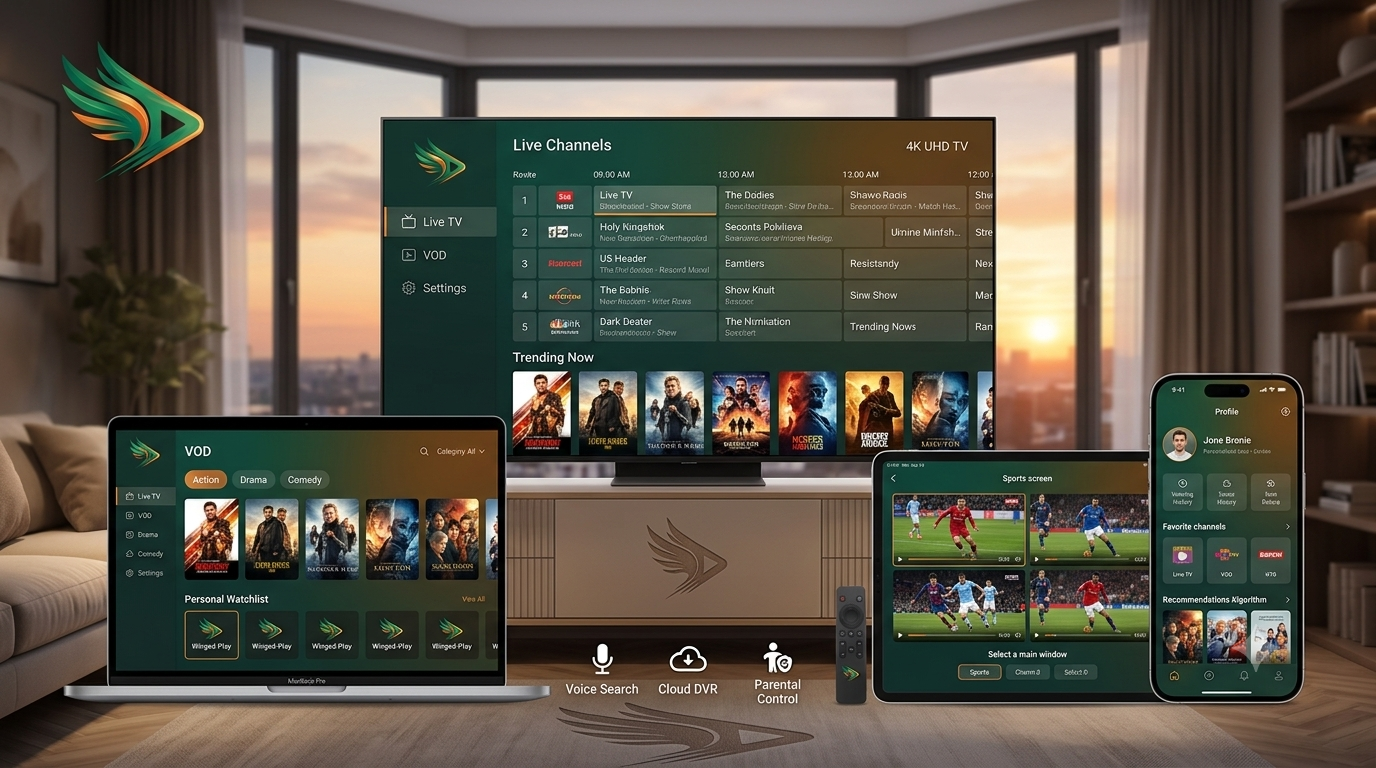
How Does IPTV Work?
Content Server
the backbone component. This is where live channels and VOD content are securely stored, encoded, and delivered to viewers. With advanced infrastructure, the server ensures stable performance, smooth playback, and reliable access to your library anytime.
Middleware
the core software layer that powers the services. It manages subscriptions, authenticates user logins, and organizes EPG data. By connecting the content server with the user interface, middleware ensures seamless access to live channels, VOD libraries, and personalized streaming experiences.
Delivery Network
the internet infrastructure. Using advanced CDN (Content Delivery Network) technology, it carries live channels and VOD streams from the server to your screen with minimal latency. This ensures smooth playback, stable connections, and high‑quality viewing.
Client App
the application installed on your device that displays the content. It allows you to log in, manage playlists, and stream live channels or VOD directly on your Smart TV, Firestick, or any compatible device. The client app is the user’s gateway, transforming server streams into a smooth, interactive viewing experience.
| Feature | IPTV | Cable / Sky TV |
|---|---|---|
| Delivery | Internet (broadband) | Satellite / coaxial cable |
| Installation | ✔ None needed | ✘ Dish or cable line |
| Device flexibility | ✔ Any screen | ✘ Set-top box only |
| Catch-up / VOD | ✔ Included | Limited |
| NZ monthly cost | $15–$30 | $50–$120+ |
| Contracts | ✔ Usually none | ✘ 12–24 month lock-in |
Cons: quality depends on your internet speed, some providers are unreliable, and not all content may be licensed in NZ.
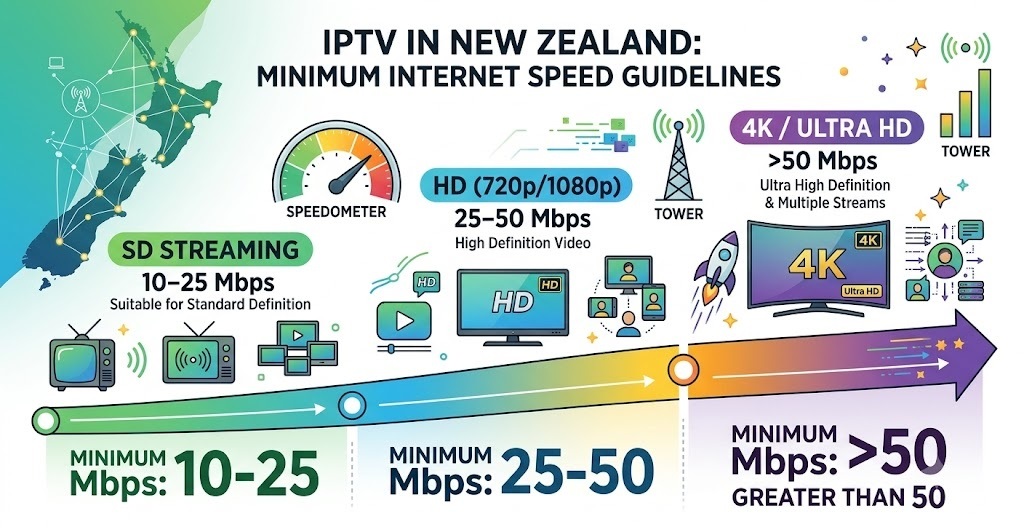
- SD streaming: 10–25 Mbps
- HD (720p/1080p): 25–50 Mbps
- 4K / Ultra HD: >50 Mbps
Is IPTV Legal?
As a technology is completely legal. It's just a method of delivering video over the internet, the same way Netflix, YouTube, and Spark Sport work. What determines legality is whether the provider has proper licensing agreements with content rights holders.
| Factor | Legal Service | Illegal Service |
|---|---|---|
| Content licensing | ✔ Properly licensed | ✘ No rights held |
| Service reliability | ✔ Stable uptime | ✘ Frequent downtime |
| Customer support | ✔ Real team | ✘ Often absent |
| Payment security | ✔ Secure checkout | ✘ Sketchy methods |
| Price | Fair market rate | Suspiciously cheap |
Where Can I Find a reliable IPTV Service?
For New Zealanders, the best place to start is a provider that specifically caters to the NZ and Australian market — one that carries local channels, All Blacks, NRL, Super Rugby, and the content Kiwis actually watch.
When Did IPTV Become Popular?
Streaming services began gaining traction in the mid‑2000s but truly took off around 2010–2015 as home broadband speeds improved globally. In New Zealand, the Ultra‑Fast Broadband (UFB) rollout from 2011 onwards made them a viable mainstream option.
- Widespread fibre broadband rollout globally
- H.264 and H.265 video compression, better quality at lower data rates
- The rise of smart TVs and streaming sticks (Fire Stick, Roku)
- Adaptive bitrate streaming (ABR), quality adjusts automatically to your speed
- 4K and 8K IPTV streams becoming standard
- AI-powered content recommendations
- Integration with smart home devices (Alexa, Google Home)
Who Invented IPTV?
- Precept Software — created IP/TV, one of the first streaming tools (later acquired by Cisco in 1998).
- Microsoft — developed early middleware solutions and Windows Media Center.
- Cisco — built much of the backbone network infrastructure that streaming services rely on.
- France Télécom (Orange) — launched the first major commercial IPTV deployment in 2003.
- Video encoding: H.264, H.265/HEVC, AV1 — compress video for efficient delivery
- Streaming protocols: HLS, MPEG-DASH, RTMP, RTSP — how video travels to your device
- CDN (Content Delivery Network): ensures low latency by serving from nearby servers
- EPG (Electronic Programme Guide): the on-screen TV guide showing what's on and when
What Are the Benefits of IPTV?
Cost Savings
It typically costs a fraction of a Sky TV subscription, no hardware rental, no installation fees, no locked-in contracts.
Massive Channel Selection
Access New Zealand local channels, international sports, global news, and huge VOD libraries, all in one place.
No Contracts
Most services are month-to-month cancel any time, no penalties, no phone calls required.
Multi-Screen
Watch on your TV, phone, laptop and tablet simultaneously. Ideal for NZ families with different viewing habits.
Catch-Up TV
Missed the All Blacks game? Rewind and watch on demand at any time that suits you.
International Content
Hundreds of UK, US, European, and Asian channels, great for NZ's multicultural communities.
What Are the Different Types of IPTV?
Not all IPTV Srevices are the same. There are four main delivery formats and most quality IPTV services like NZ IPTV include all of them in a single subscription.
Live TV
Real-time streaming of live TV channels news, sports, entertainment exactly like traditional TV, just delivered over the internet.
Time-Shifted (Catch-Up)
Watch previously broadcast content after it airs, perfect for busy Kiwis who can't always watch live.
Video on Demand (VOD)
A library of movies, TV shows, and series you can watch whenever you like, similar to Netflix but included in your IPTV plan.
Near Video on Demand (NVOD)
Scheduled content that repeats at regular intervals, common for premium movie channels and PPV events.
What Are the Requirements for Using IPTV?
Getting started in New Zealand is straightforward — here’s everything you need to begin streaming with ease.
Broadband Connection
Minimum 10 Mbps is required for smooth streaming. New Zealand fibre is ideal, with most UFB connections delivering 100 Mbps or more. ADSL works, but it’s best to cap at HD quality to avoid buffering.
Compatible Device
works seamlessly on Smart TVs, Fire Sticks, Android boxes, phones, tablets, and computers. In fact, almost any device with internet access can deliver smooth playback.
A Media Player App
popular choices among Kiwis include TiviMate, HotPlayer, and IBO Player. These apps make it easy to log in, manage playlists, and stream live channels or VOD directly on Smart TVs, Firesticks, Android boxes, and more.
An IPTV Subscription
your provider supplies login credentials, either an M3U Playlist URL or Xtream Codes, which you simply enter into your chosen media player app. This unlocks access to live channels, VOD libraries, and all the features supported by the app.
How to Set Up IPTV on a Smart TV?
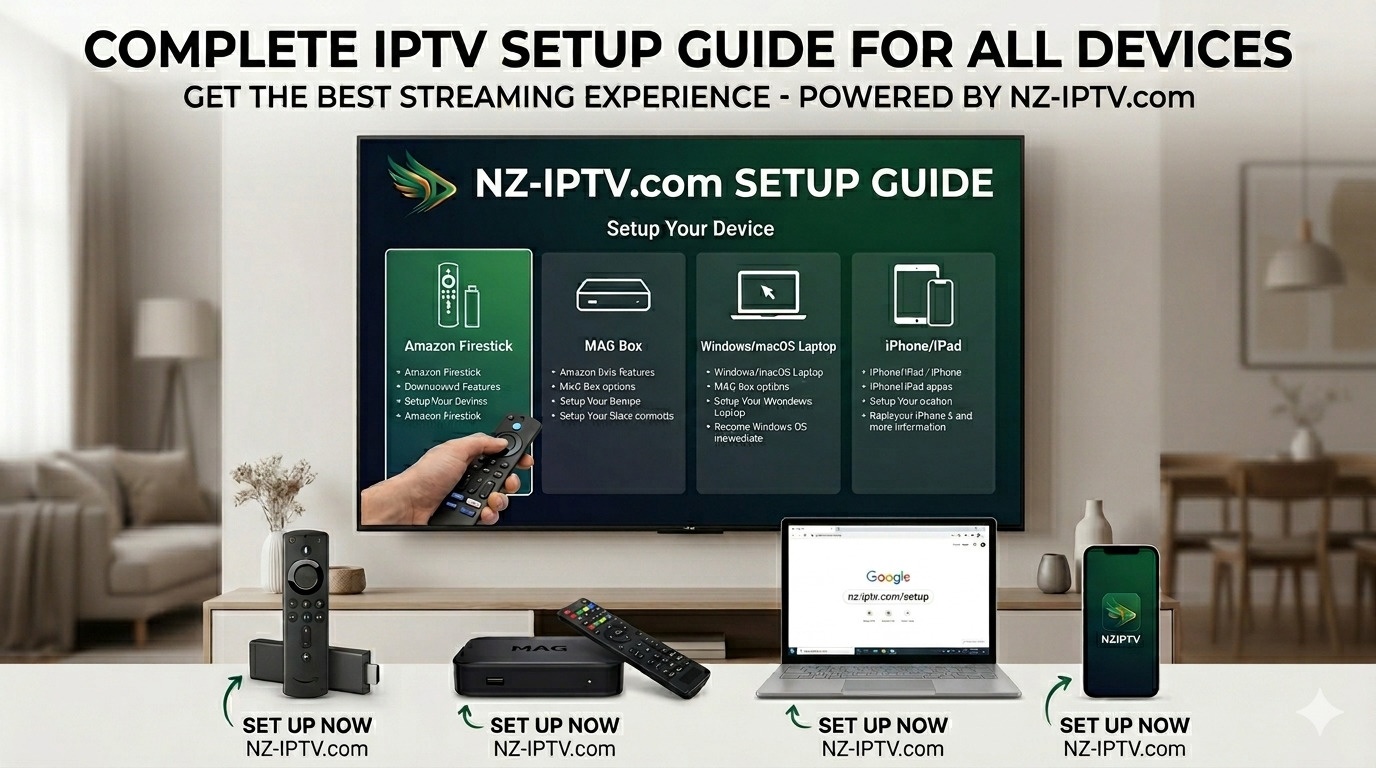
Visit our Complete Setup Guide
The setup on a Samsung or LG Smart TV takes about 5 minutes. Here's the most common method using the HotPlayer or ibo player app:
On your Smart TV, open the App Store (Samsung Apps or LG Content Store) and search for "Hotplater" or "Ibo player". Download and install it.
Open the app, it displays your TV's unique MAC address on screen (and a Device Key for Ibo player). Write this down or take a photo, you'll need it to activate your service.
On your computer or phone, visit the official website of the player you downloaded, looke for manage playlists or Upload playlist, enter the MAC address and device key if required along with the M3U playlist URL from your subscription confirmation.
Close and reopen the player on your TV. Your channel list loads automatically within 30–60 seconds.
Browse your channels, vod library, all PPV events and enjoy. If your subscription includes EPG data, your TV will show what's on each channel in real time.
Ready for the best IPTV service in New Zealand?
Get access to our 50,000+ live channels, All Blacks, NRL, movies, VOD, and catch-up TV. No contracts. No dish. No hassle. Join thousands of Kiwis already streaming with NZ IPTV.